> ## Documentation Index
> Fetch the complete documentation index at: https://docs.cantae.app/llms.txt
> Use this file to discover all available pages before exploring further.

# Songs

> All songs in one place

In this tab, you can find all the songs available in the application. You can search for a specific song and sort by name, artist or album.
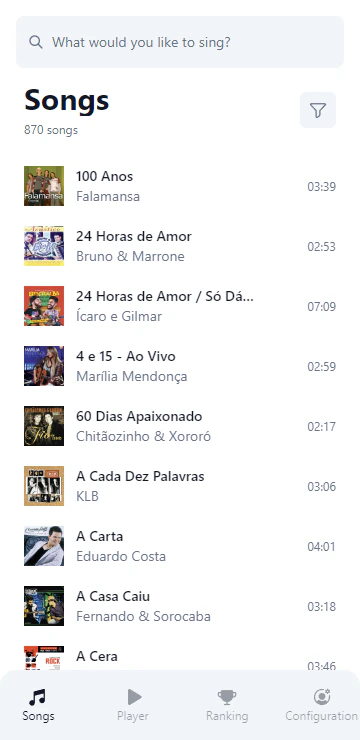
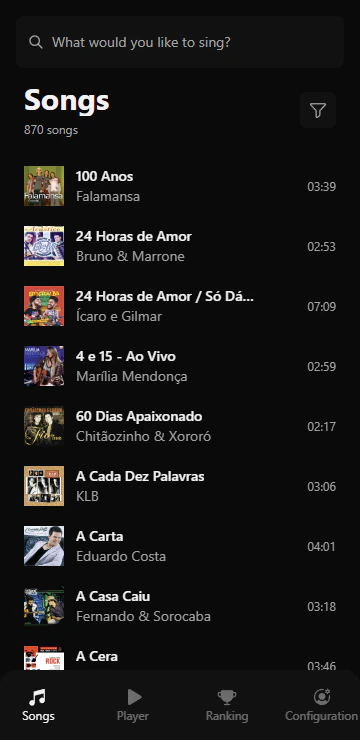
<Frame caption="Songs tab">
  <img className="block border border-black/5 rounded-md dark:border-white/5 dark:hidden" src="https://mintcdn.com/canta/7A60e9occDdAQ3FL/assets/images/webapp-songs-light.png?fit=max&auto=format&n=7A60e9occDdAQ3FL&q=85&s=0dfb495e74bc930589a230706e1b176c" width="360" height="740" data-path="assets/images/webapp-songs-light.png" />

  <img className="hidden border border-black/5 rounded-md dark:border-white/5 dark:block" src="https://mintcdn.com/canta/7A60e9occDdAQ3FL/assets/images/webapp-songs-dark.png?fit=max&auto=format&n=7A60e9occDdAQ3FL&q=85&s=071531543ae1cba5f5bbe659fd3e6a21" width="360" height="740" data-path="assets/images/webapp-songs-dark.png" />
</Frame>

## How to add songs to queue?

It is easy to add songs to the queue. Just click on the song you want to add and confirm the action on the modal that appears.
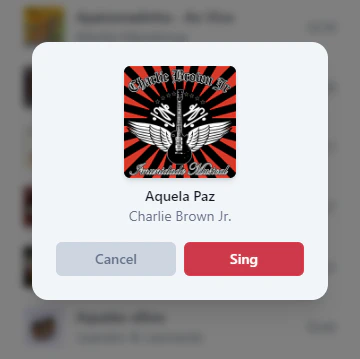
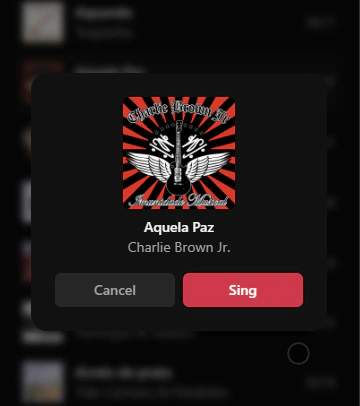
<Frame caption="Add songs to queue">
  <img className="block border border-black/5 rounded-md dark:border-white/5 dark:hidden" src="https://mintcdn.com/canta/7A60e9occDdAQ3FL/assets/images/webapp-add-song-light.png?fit=max&auto=format&n=7A60e9occDdAQ3FL&q=85&s=7655f238410a9de947da915f90c320a4" width="360" height="359" data-path="assets/images/webapp-add-song-light.png" />

  <img className="hidden border border-black/5 rounded-md dark:border-white/5 dark:block" src="https://mintcdn.com/canta/7A60e9occDdAQ3FL/assets/images/webapp-add-song-dark.png?fit=max&auto=format&n=7A60e9occDdAQ3FL&q=85&s=d7d0cdc71f3f8dab07f3b8ab1f3b1709" width="360" height="406" data-path="assets/images/webapp-add-song-dark.png" />
</Frame>
