> ## Documentation Index
> Fetch the complete documentation index at: https://docs.cantae.app/llms.txt
> Use this file to discover all available pages before exploring further.
# Lyrics
> Synced lyrics
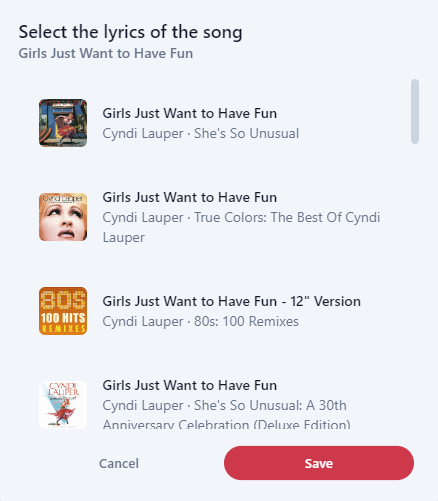
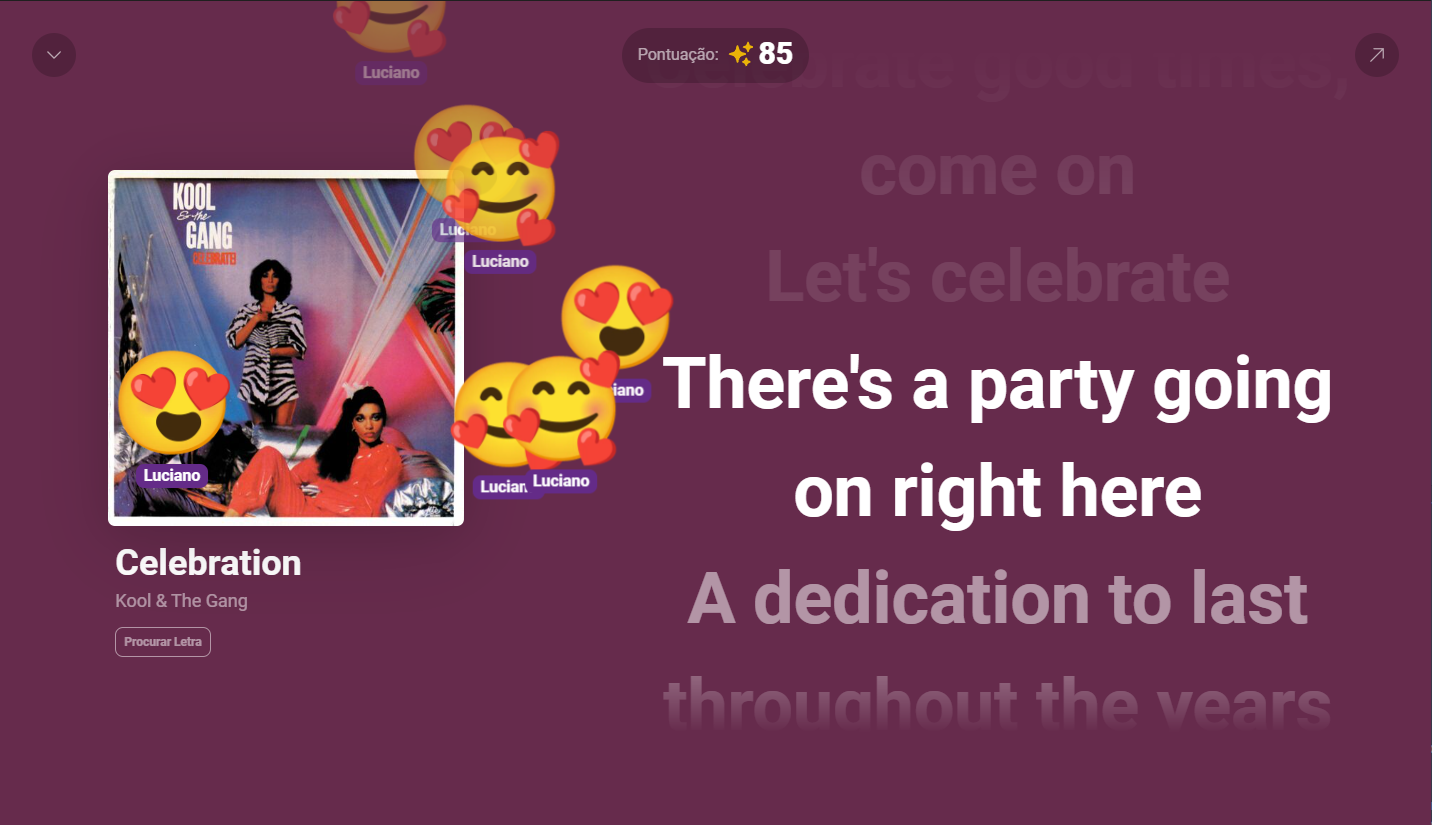 If you don't have the lyrics of a song or if the lyrics are incorrect, you can search for them by clicking the 'Search Lyric' button. A new window will automatically open with a list of possible songs. Simply select the desired song and click the 'Save' button.
 If you have a TV or a second monitor and want to display the synchronized lyrics window, click the button located in the upper right corner.
The QR code to access the web app will be displayed and will alternate with the album cover. To show the QR code for singers to access the web app, go to the [Settings](/documentation/getting-started/pages/settings) page. click on the tab Player.
The score is displayed in the upper of the lyrics window. The scoring is based on the timing and accuracy of the notes.
If you have a TV or a second monitor and want to display the synchronized lyrics window, click the button located in the upper right corner.
The QR code to access the web app will be displayed and will alternate with the album cover. To show the QR code for singers to access the web app, go to the [Settings](/documentation/getting-started/pages/settings) page. click on the tab Player.
The score is displayed in the upper of the lyrics window. The scoring is based on the timing and accuracy of the notes.