> ## Documentation Index
> Fetch the complete documentation index at: https://docs.cantae.app/llms.txt
> Use this file to discover all available pages before exploring further.

# Favorites

> All favorites songs in one place

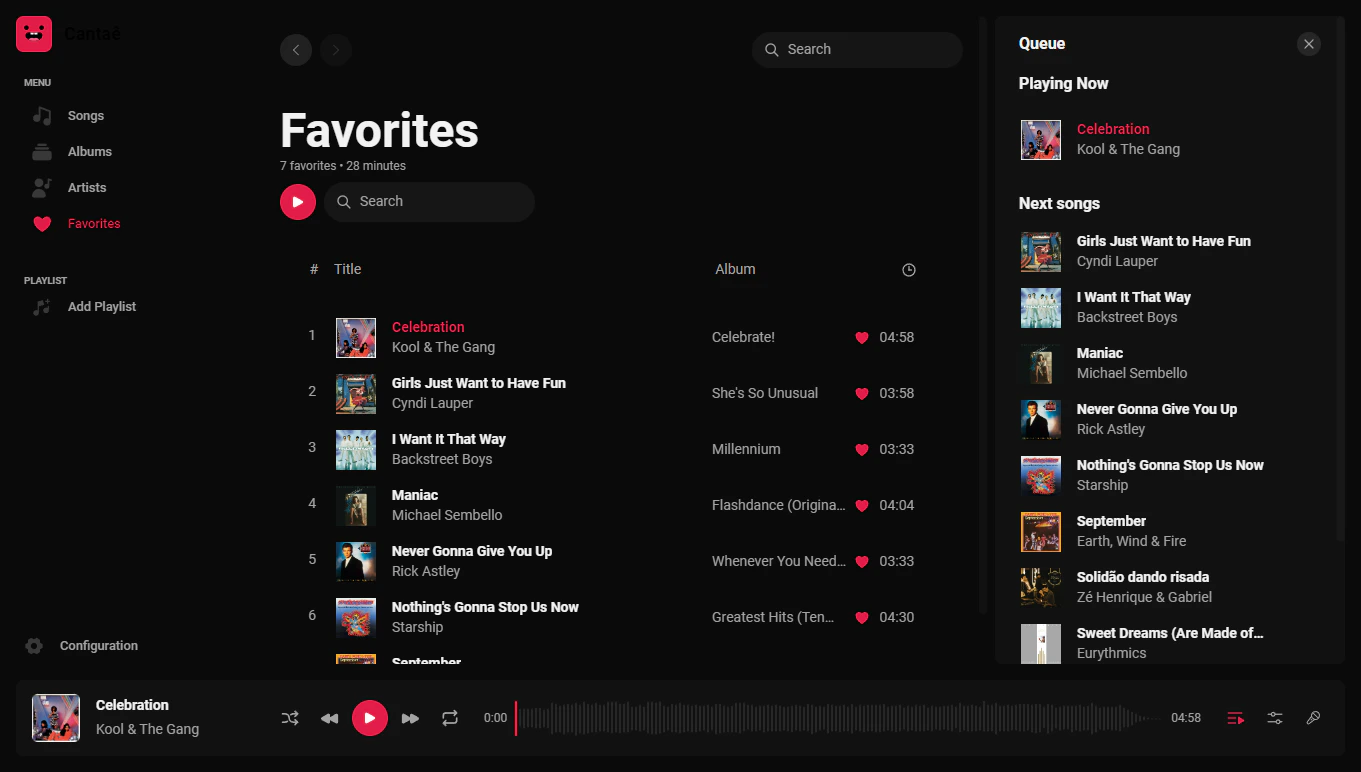
In this page, you can find all the songs that was favorited for you. You can search for a specific song, filter and sort by name, artist or album.
If you want to see more about an [Artist](/documentation/getting-started/pages/artist) or [Album](/documentation/getting-started/pages/album), you can click on the respective link and see all the songs related to it.

if you want to remove a song from favorites, click on the button <button className="text-primary">❤︎</button> and the song will be removed from favorites.
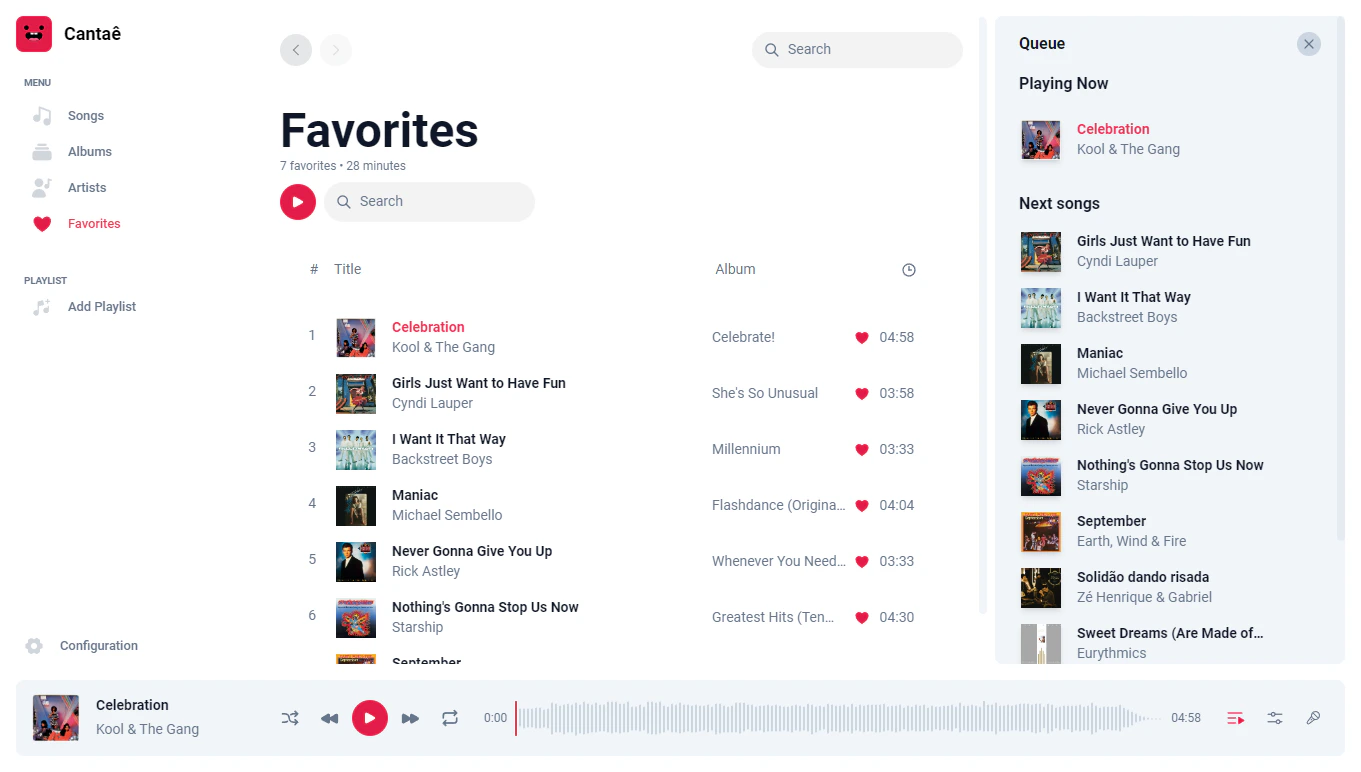
<Frame caption="Favorites page">
  <img className="block border border-black/5 rounded-md dark:border-white/5 dark:hidden" src="https://mintcdn.com/canta/C5S1j4kpUEOg9-Sx/assets/images/favorites-light.png?fit=max&auto=format&n=C5S1j4kpUEOg9-Sx&q=85&s=9668ca5448502cbb58795a4f7311e82b" width="1361" height="772" data-path="assets/images/favorites-light.png" />

  <img className="hidden border border-black/5 rounded-md dark:border-white/5 dark:block" src="https://mintcdn.com/canta/C5S1j4kpUEOg9-Sx/assets/images/favorites-dark.png?fit=max&auto=format&n=C5S1j4kpUEOg9-Sx&q=85&s=f4a5c1a13e6abb0df5a18b284f11b158" width="1361" height="772" data-path="assets/images/favorites-dark.png" />
</Frame>