> ## Documentation Index
> Fetch the complete documentation index at: https://docs.cantae.app/llms.txt
> Use this file to discover all available pages before exploring further.
# Introduction to Cantaê
> Music player with karaoke support.
Cantaê is a desktop music player with karaoke support. With the advancement of Artificial Intelligence technology, it has become easier to separate the vocals from your favorite songs. The software manages vocal and playback tracks, controlling volume while automatically detecting synchronized lyrics.
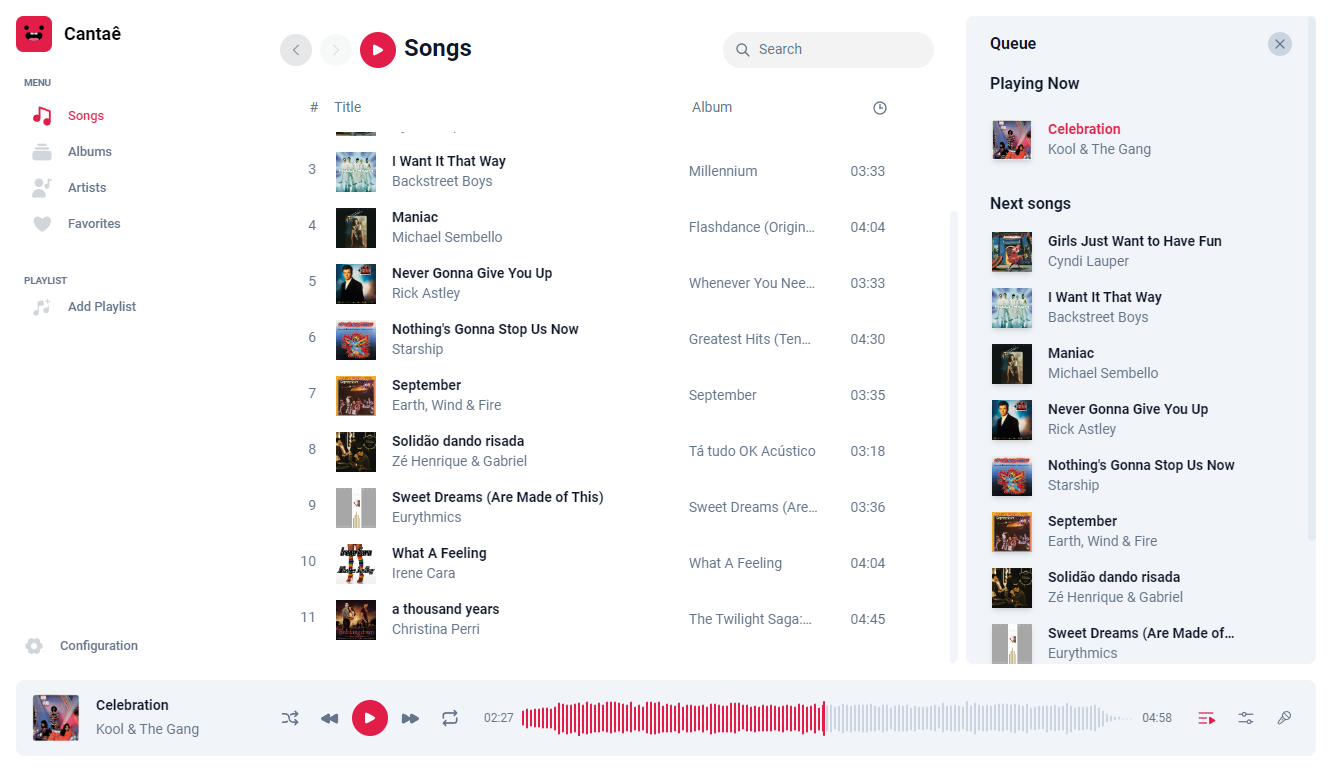
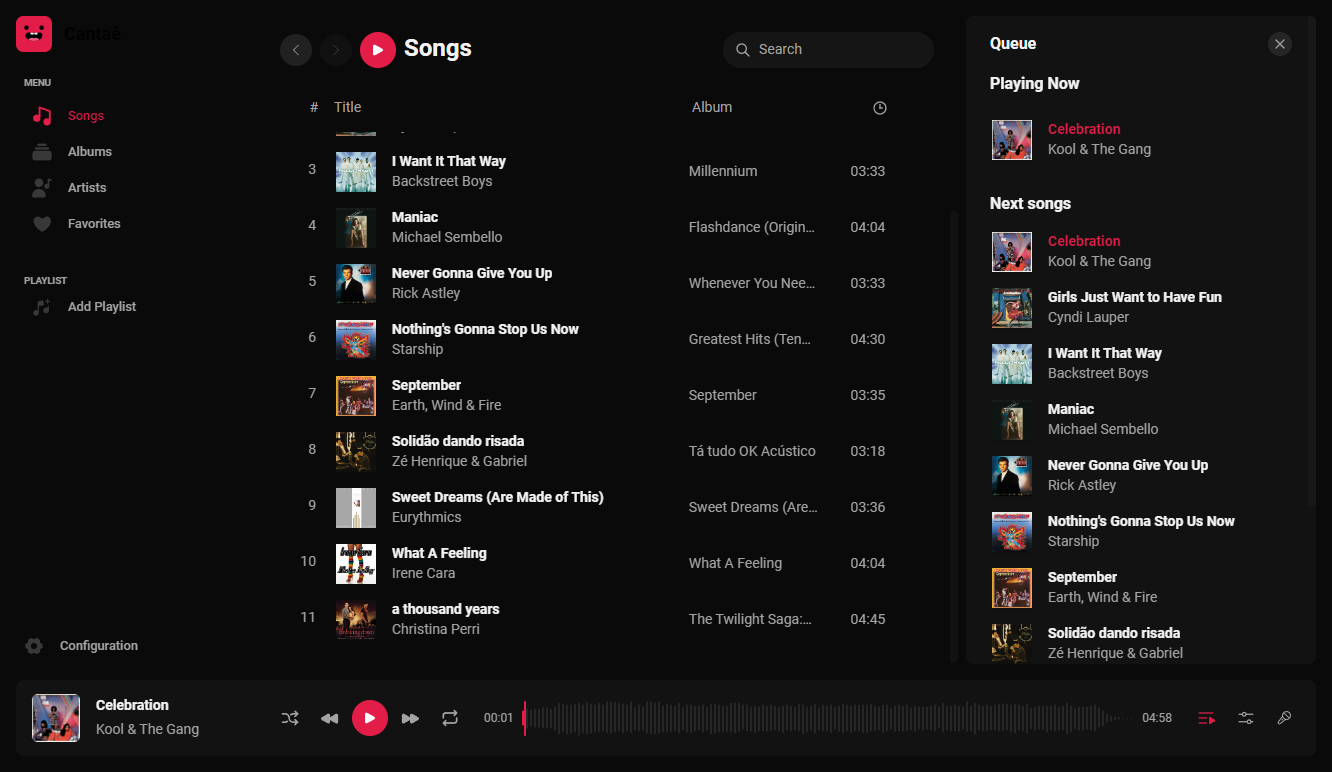 It is possible to isolate the vocals and the instrumental according to your preference.
Join the fun with the scoring and ranking system.
Sing along while following the synchronized lyrics.
Available in 4 languages: English, Portuguese, Spanish, and Japanese.
Enjoy the freedom to access the music Webapp from anywhere via the internet.
Enjoy a beautiful and responsive interface that adapts to your screen size.
Experience the convenience of remote control through the Webapp.
Display synchronized lyrics on a second monitor.
It is possible to isolate the vocals and the instrumental according to your preference.
Join the fun with the scoring and ranking system.
Sing along while following the synchronized lyrics.
Available in 4 languages: English, Portuguese, Spanish, and Japanese.
Enjoy the freedom to access the music Webapp from anywhere via the internet.
Enjoy a beautiful and responsive interface that adapts to your screen size.
Experience the convenience of remote control through the Webapp.
Display synchronized lyrics on a second monitor.