> ## Documentation Index
> Fetch the complete documentation index at: https://docs.cantae.app/llms.txt
> Use this file to discover all available pages before exploring further.
# Cantaê interface
> Cantaê has a simple and intuitive UI. The UI is divided into multiple sections
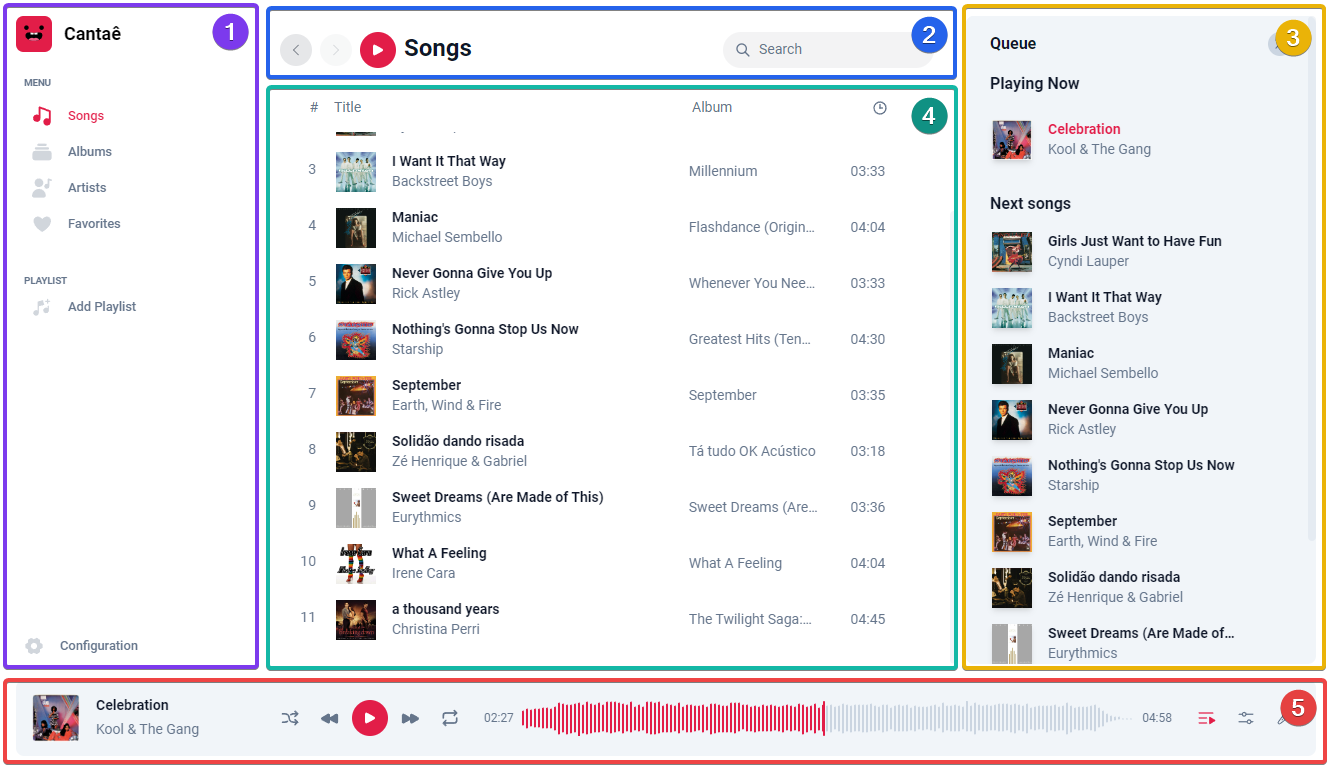
 The top bar contains the search bar and navigation button. Use the search bar to find songs, artists, and albums. The navigation button allows you to switch between different pages.
The sidebar provides the menu for navigating between different pages.
The rightbar displays the queue list.
The main panel shows the content of the pages.
The footer displays the player controls. Here, you can control the volume, play, pause, skip to the next track, go to the previous track, and more.
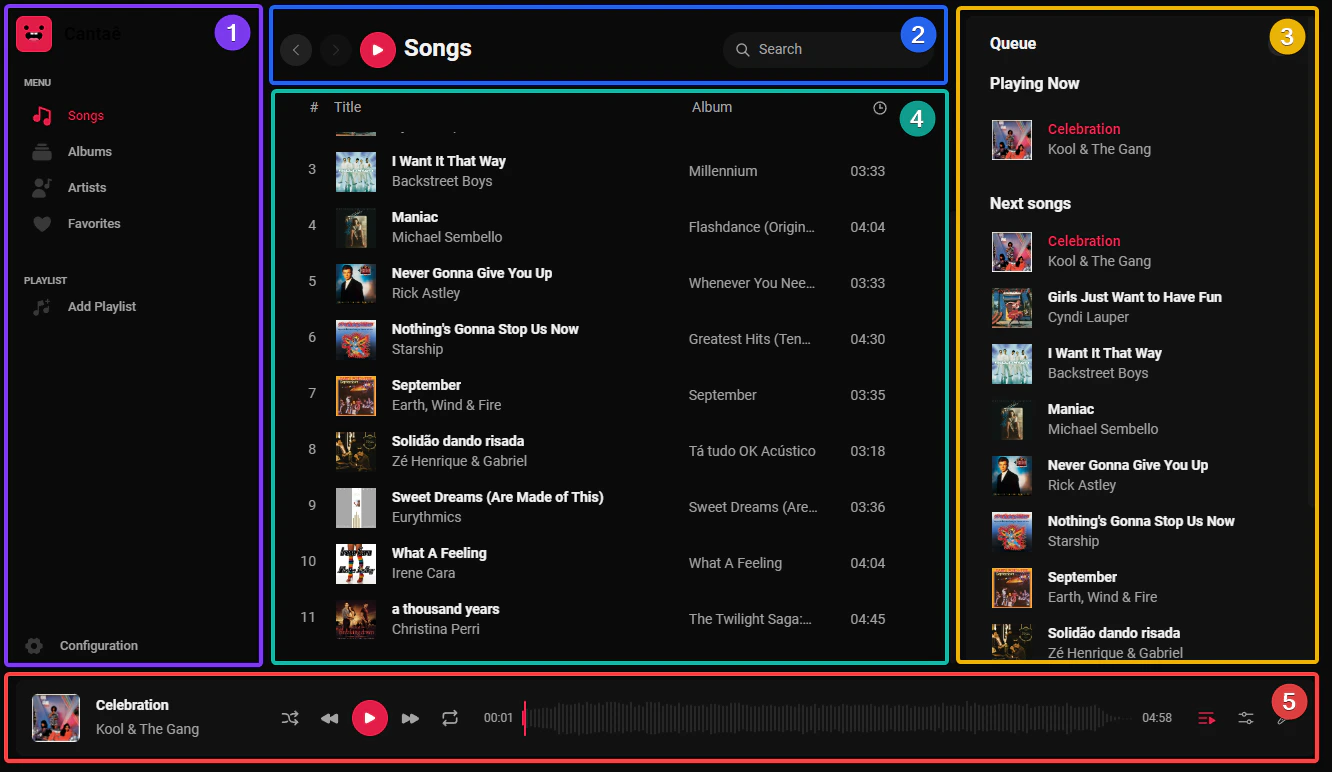
The top bar contains the search bar and navigation button. Use the search bar to find songs, artists, and albums. The navigation button allows you to switch between different pages.
The sidebar provides the menu for navigating between different pages.
The rightbar displays the queue list.
The main panel shows the content of the pages.
The footer displays the player controls. Here, you can control the volume, play, pause, skip to the next track, go to the previous track, and more.